
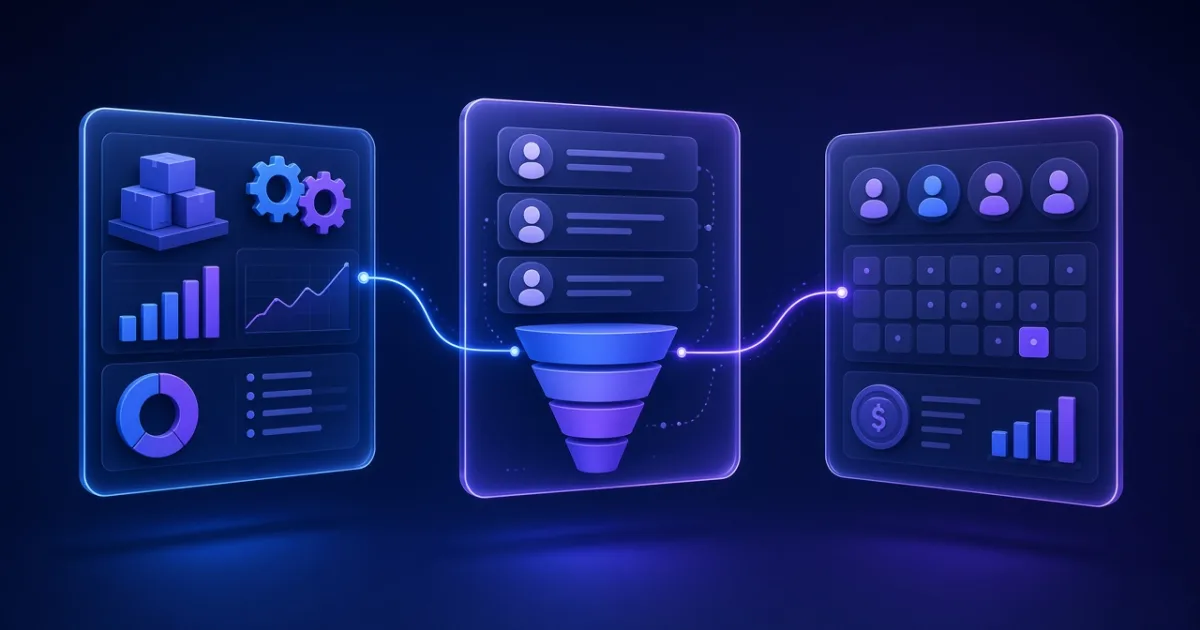
ERP, CRM and HRM are three of the most common types of business software, and the names are easy to mix up. Each one manages a different part of your business. This guide explains what they do, who uses them, and how to decide which you need first.
ERP: Enterprise Resource Planning
ERP software runs the operational core of a business. It typically covers accounting and finance, inventory, purchasing, sales orders and billing, and for manufacturers, production planning. Its main value is one shared, accurate set of numbers instead of separate spreadsheets for each department.
CRM: Customer Relationship Management
CRM software manages your relationships with leads and customers. It records contacts and conversations, tracks deals through a sales pipeline, reminds the team about follow-ups and produces quotes. Sales, marketing and customer service teams use it every day.
HRM: Human Resource Management
HRM software manages your people. It holds employee records and handles attendance, leave, payroll and appraisals. In India, payroll usually also has to handle statutory deductions such as PF, ESI and TDS.
ERP vs CRM vs HRM at a glance
| ERP | CRM | HRM | |
|---|---|---|---|
| Main purpose | Run operations and finances | Win and keep customers | Manage employees |
| Main users | Accounts, operations, purchasing, management | Sales, marketing, customer service | HR, managers, all staff |
| Key data | Stock, orders, invoices, costs | Leads, contacts, deals, activities | Employees, attendance, leave, salaries |
| Question it answers | Are we profitable, and what is in stock? | Which leads need follow-up today? | Who is present, and is payroll correct? |
Which one do you need first?
- Leads are slipping through the cracks or follow-ups depend on memory: start with a CRM.
- Billing, stock or accounts errors are costing you money: start with an ERP or focused inventory software.
- Attendance and payroll live in spreadsheets and take days each month: start with HRM and payroll software.
Do you need all three?
Many growing businesses eventually use all three. What matters is that they share data: a deal won in the CRM should create an order in the ERP, and attendance from the HRM should feed payroll and costing. You can connect separate systems through integrations, or build one custom system with CRM, ERP and HRM modules that share a single database.
Ready-made or custom?
Ready-made software is quick to start with and works well when your processes are standard. Custom software makes sense when your workflows are specific to your business, when you are paying for many users or modules you do not use, or when you need tight integration between systems. A common approach is to start with the module that solves your biggest problem and add others in phases.
Not sure where to start? We build ERP, CRM and HRM systems as part of our custom software development service. Tell us about your processes and we will suggest a plan.
